Video
Grok Imagine
xAI Grok Imagine — text-to-video at 480p or 720p, 6 to 10 seconds.
- Provider
- kie
- Capability
- text-to-video
- Tier
- Free
- Cost
- 18 credits / run
-
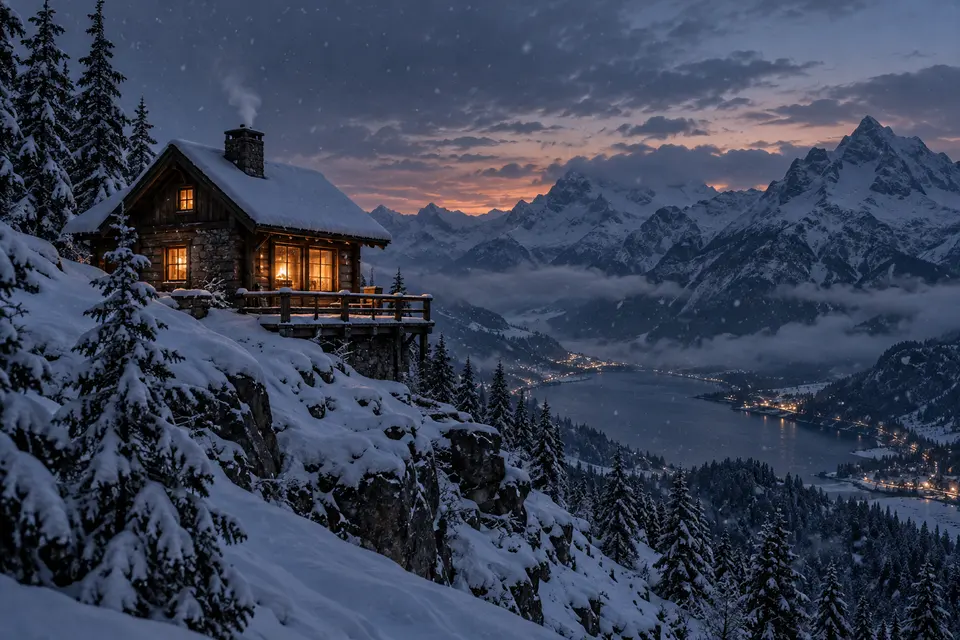
Cabin on the ridge -

Rain in the alley -

Breach at dawn -

Three pears -

Deep blue -

Dune walker -
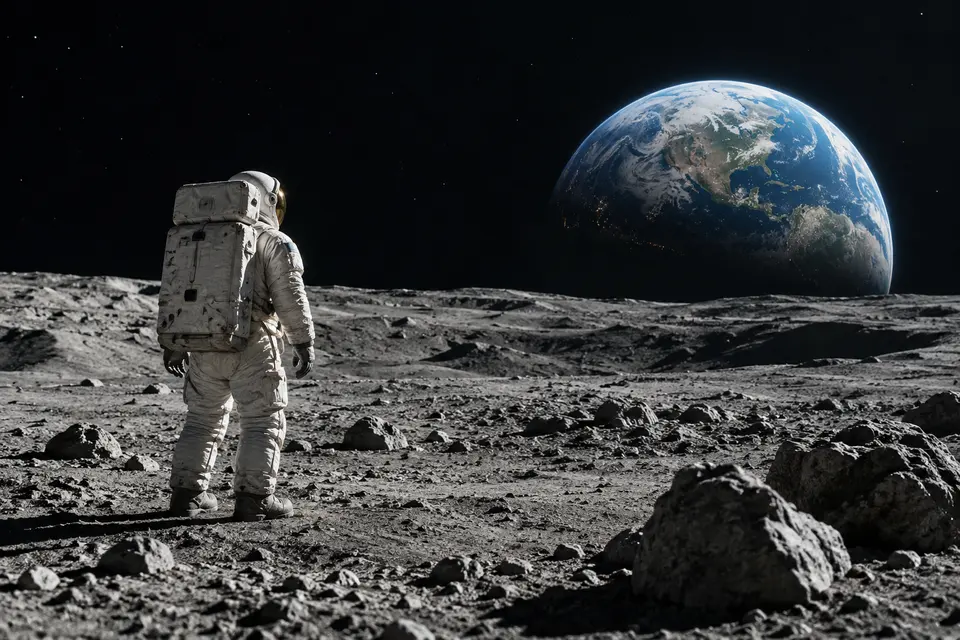
Earthrise -
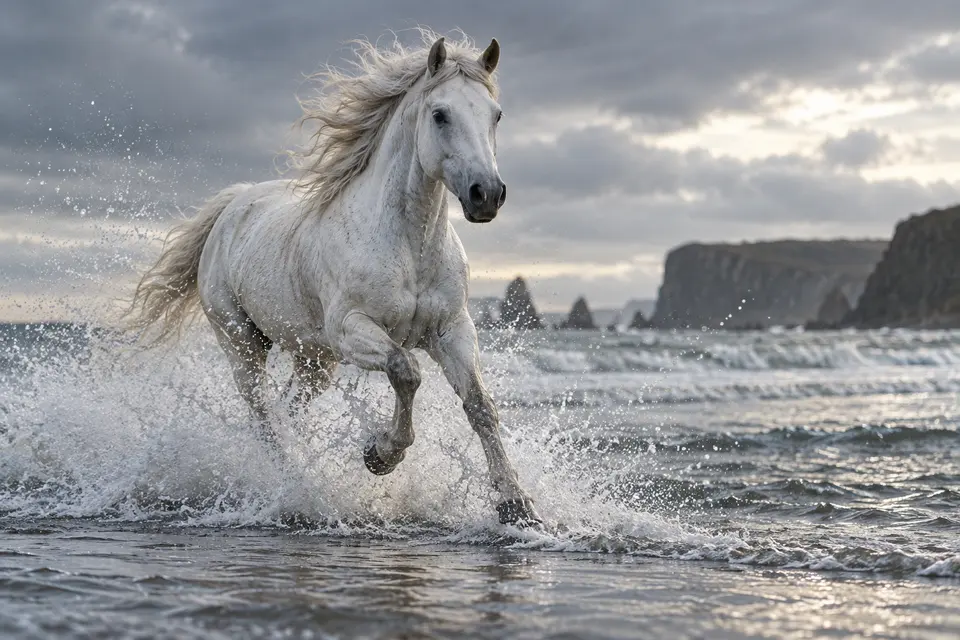
Silver shoreline -
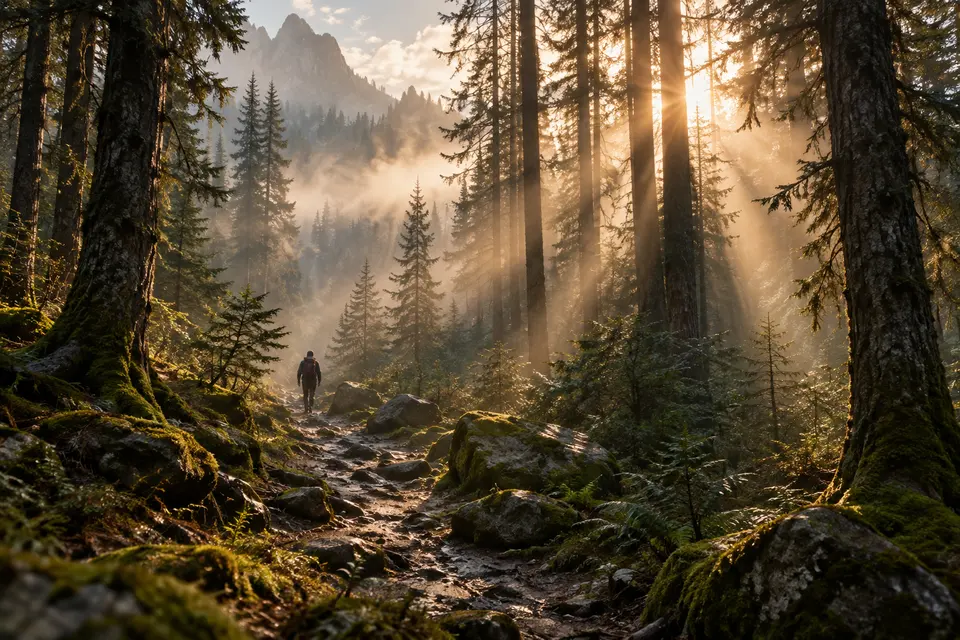
Morning pines -

Koi and petals -

Window light -
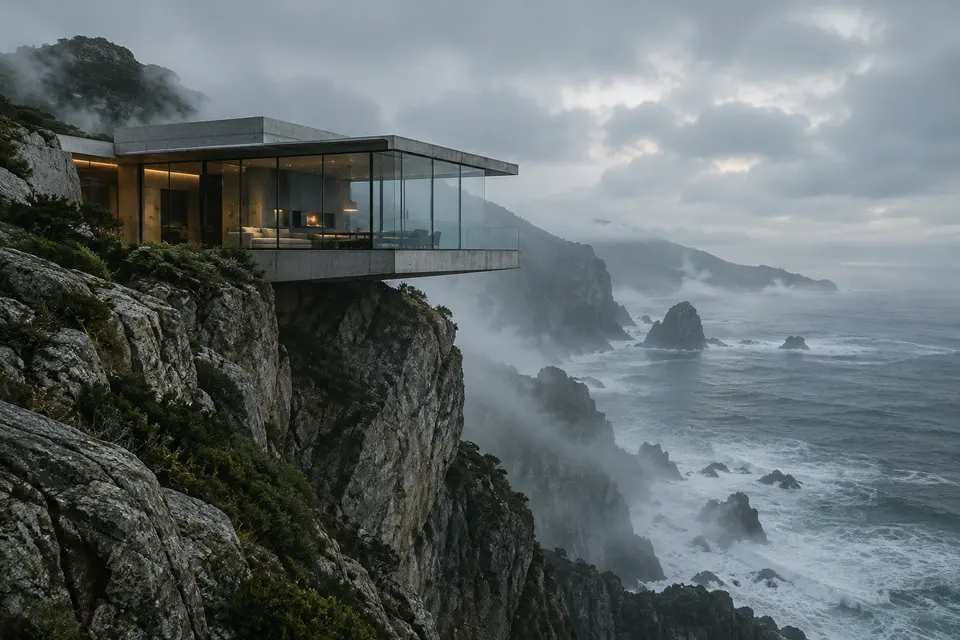
Cliff house -

Spice market -
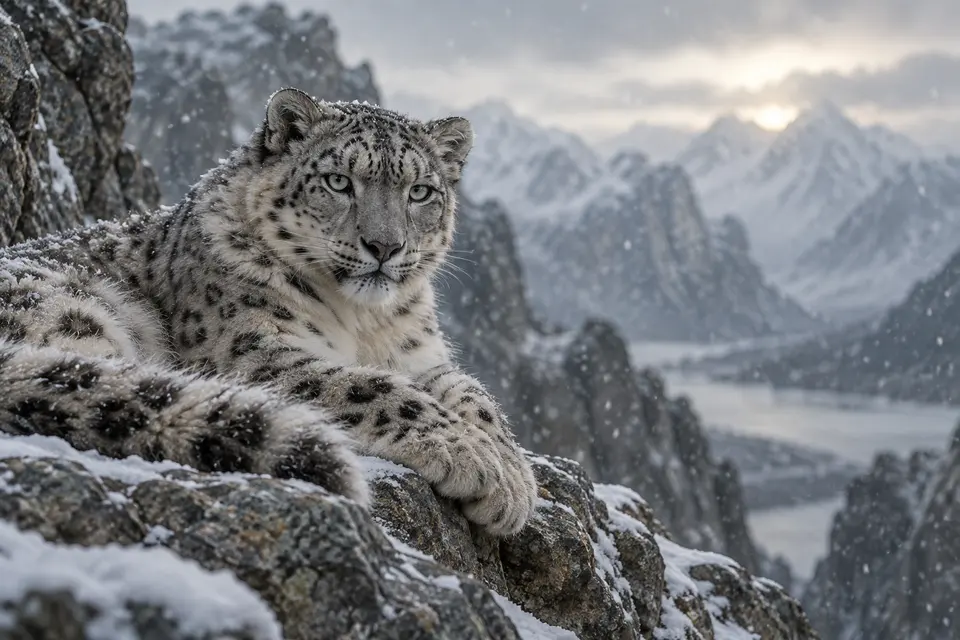
Snow leopard
Create with Grok Imagine
Grok Imagine is already selected. Add the required inputs, review the settings and credit cost, then generate.
Parameters
- Aspect Ratio
- 16:9 · 9:16 · 1:1 · 3:2 · 2:3
- Resolution
- 480p · 720p
- Duration
- 6s · 10s
Tags
01Prompt
Related models
Workflows to try with Grok Imagine
-
Explore a video idea
Describe the subject, motion and camera direction to try with Grok Imagine. Review the available settings before generating. Watch the full clip for motion, continuity and changed details. Check any generated audio separately rather than assuming it matches the scene.
How Grok Imagine compares
Side by side with the closest models for the same task. Values come from each model's settings in Smaltino.
| Model | Grok Imagine | Seedance 2.0 Fast | Seedance 2.0 |
|---|---|---|---|
| Credits per run | 18 credits / run | 24 credits / run | 28 credits / run |
| Tier | Free | Pro | Pro |
| Aspect ratio | 16:9 · 9:16 · 1:1 · 3:2 · 2:3 | 16:9 · 9:16 · 1:1 | 16:9 · 9:16 · 1:1 |
| Duration | 6s · 10s | 5s · 10s | 5s · 10s |
| Resolution | 480p · 720p | 480p · 720p | 480p · 720p · 1080p |
| Reference image | No | Yes | Yes |
How to use Grok Imagine
-
Prepare your inputs
Use the Text to Video generator below this page's introduction. Add the text, image or video it requires.
-
Review Grok Imagine
Grok Imagine is already selected. Adjust its settings and review the credit cost before generating.
-
Generate and download
Run it, then download the result or find it in your creations when it is ready.
Frequently asked questions
How many credits does Grok Imagine cost?
Each run with Grok Imagine costs 18 credits on Smaltino. The cost is shown before you generate.
Where can I use Grok Imagine?
Use the generator on this page: Grok Imagine is already selected for Text to Video. You can review the settings and credit cost before generating.
Which settings does Grok Imagine support?
On Smaltino, Grok Imagine lets you set: Aspect Ratio, Resolution, Duration.
How does Grok Imagine compare with similar models?
Grok Imagine costs 18 credits per run. Similar models: Seedance 2.0 Fast (24 credits), Seedance 2.0 (28 credits). See the comparison table for supported settings.
Am I charged if a generation fails?
Requests rejected before task admission are not charged. When a task finally fails, the system releases reserved credits against its original debit record. Check the task and credit records for the settled balance. A status-query error alone is not a final task failure; task credit releases are not payment or subscription cash refunds.
Try Grok Imagine now
Use the generator on this page with Grok Imagine already selected for Text to Video.